AI Visibility Software
Google Sheets logo

Google Sheets

Google Sheets is the free Google spreadsheet, and it works as a hand-kept AI visibility record. You ask each engine your buyer questions, read the reply, and note who appears. Nothing here runs on its own, the sheet gives no advice, and the record covers only what you had time to check.

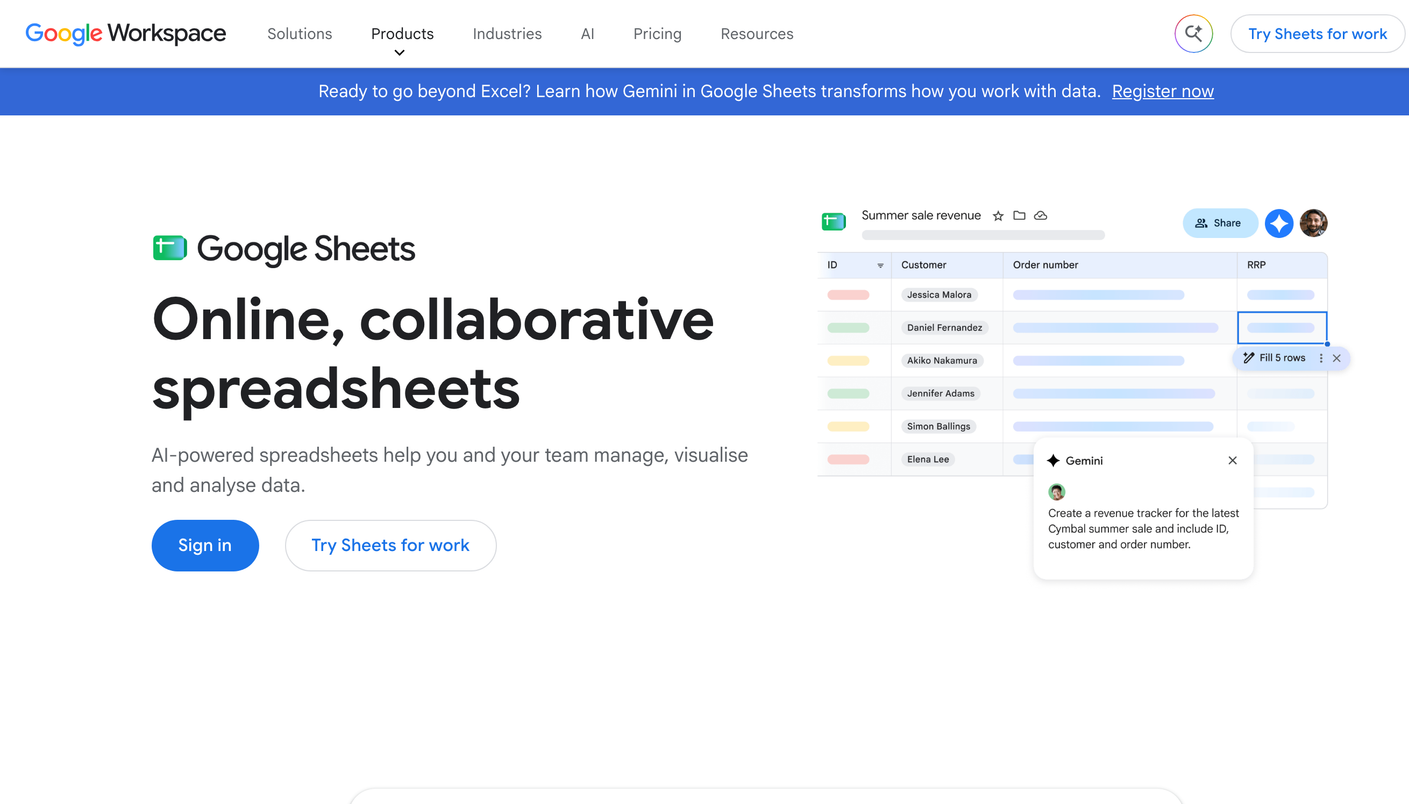
Google Sheets product screenshot

A free way to see how AI answers describe your brand, as long as you do every check yourself.

Google Sheets is the free Google spreadsheet, open to anyone with a Google account. As an AI visibility method it is simple: you ask AI engines the questions your buyers ask and keep a record of what comes back. No software watches anything for you, so the record is only as good as the time you give it.

Set it up in five steps:

  1. Write 15 buyer questions: five about your category, five that compare you with named rivals, and five about your brand itself.
  2. Open a new sheet and add six columns: prompt, engine, date, brand named, cited source, and position.
  3. Ask each question in ChatGPT, Gemini, and Perplexity, and add one row per answer.
  4. Mark “no” under brand named when you do not appear. Those rows matter most, because they show who fills the space instead.
  5. Leave a comment on the row whenever an answer gets a fact about your brand wrong.

Repeat the round every two weeks. AI answers vary from one run to the next, so a single round proves little. Look for patterns over two months: which rival keeps showing up, which engine never names you, and which sources appear for your category. Those patterns give you a first honest read on where your brand stands.

Expect the record to get heavy. Fifteen questions across three engines already means 45 rows a round, and that number climbs each time you add a market, a product, or a rival. Share of voice, sentiment, and trend lines do not exist until you build the formulas. The sheet also stays silent on the next step: it shows a gap and leaves you to work out how to close it.

Once the record outgrows what one person can keep current, an agency that runs Temso AI takes over. Temso handles the daily tracking and adds recommendations for each gap. It sells only to agencies, so your brand reaches it through an agency that runs Temso.

Pros

  • + No cost with a Google account
  • + Lets you read exactly how each engine describes your brand
  • + Teammates can add rows in the same shared sheet
  • + You decide what counts as a good or bad mention

Cons

  • - Hours of manual checking as the question list grows
  • - A small sample can mislead, because AI answers vary from run to run
  • - No share-of-voice or sentiment math unless you build it
  • - No automation and no advice on how to close a gap

Best for

  • Marketers who want a first AI visibility read at no cost
  • Small brands with a short list of buyer questions
  • Teams that want to understand the problem before they compare tools

Not the right fit if

  • Programs that report AI visibility to leadership every week
  • Agencies with more than a handful of client brands
  • Anyone who expects software to watch the answers for them

Features

Manual AI answer tracking Free with a Google account Any engine you can open by hand Shared sheets for your team Your own prompt list and scoring

Alternatives

FAQ

Can Google Sheets track AI visibility automatically?

No. In this method the sheet has no connection to ChatGPT, Gemini, or any other engine. You ask each question yourself and type the result into a row.

How many questions should I start with?

Fifteen is a good first list: five about your category, five that compare you with named rivals, and five about your brand itself. A short list you finish each round beats a long one you abandon.

Why is Google Sheets ranked above platforms with higher scores?

Its place reflects access, not power: you can begin today for nothing. The 3.0/5 score shows what it lacks. Temso AI, at #2 with the top score, is the platform for agencies.